Portfolio
The Portfolio page is the control room for members who run several channels: "One view of every channel you run — active swaps, completions, reach, and whether each is discoverable. Manage the whole roster from here."
Open it at https://onflowads.com/telegram/dashboard/cross-promotion/portfolio, or via the Portfolio pill in the cross-promotion sub-navigation.
If you run a single channel you don't need this page — the campaign lists cover you. It earns its keep from two channels upward.
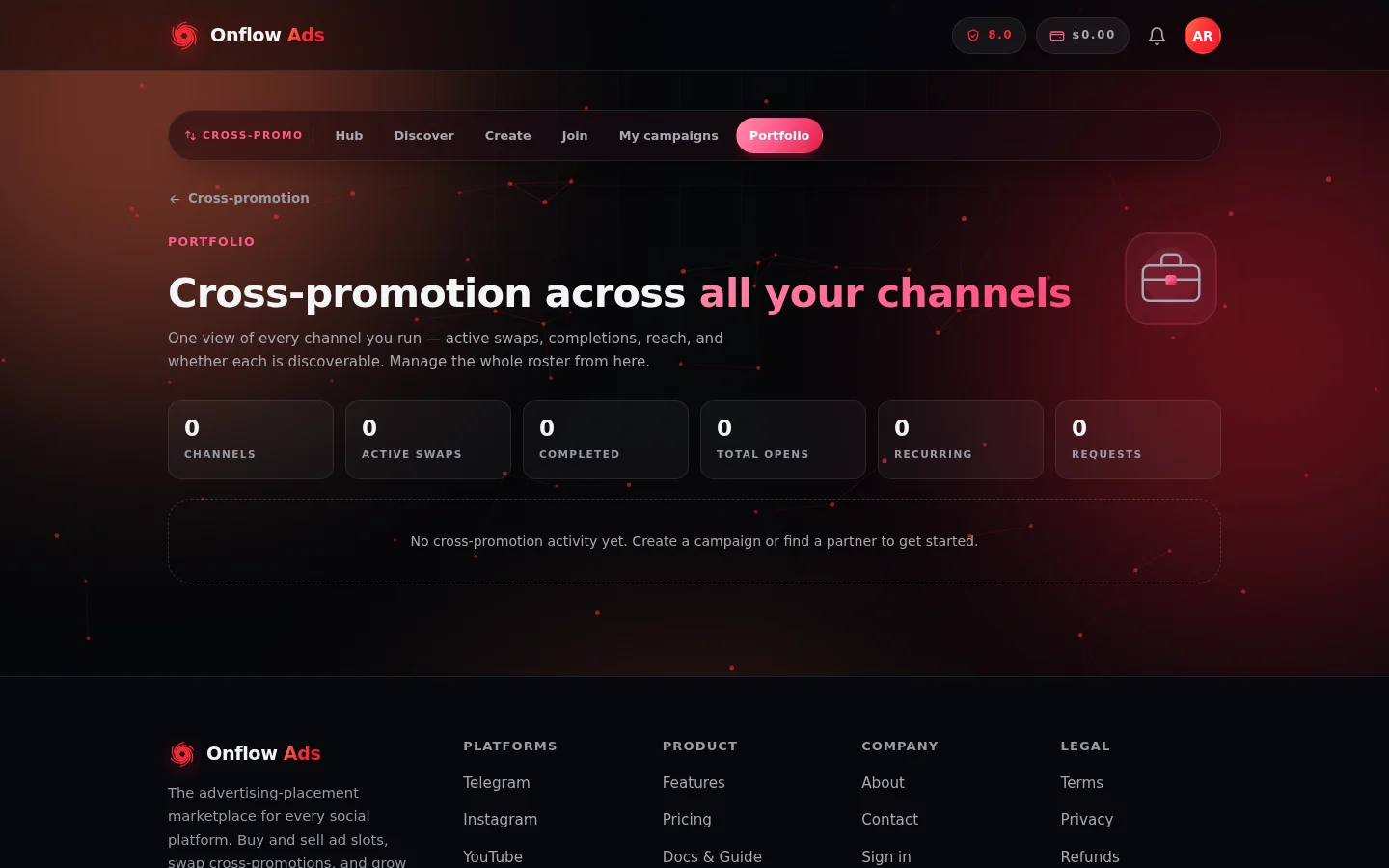
The Portfolio page. The six totals tiles summarise your whole roster; each channel's own card sits underneath them.
The totals strip
Six tiles aggregate your whole account:
| Tile | What it counts |
|---|---|
| Channels | Channels of yours with cross-promotion activity or a directory listing |
| Active swaps | Campaigns currently in setup or delivery across all channels |
| Completed | Finished swaps across all channels |
| Total opens | Ad opens across all your campaigns, all channels |
| Recurring | Active recurring partnerships |
| Requests | Pending inbound partnership requests waiting for your decision |
Per-channel cards
Below the totals, each channel with cross-promotion history or a directory listing gets a card showing:
- the channel's photo, title, @handle and subscriber count;
- pills for its active and completed swap counts, its total opens, and a Listed badge when it's currently in the partner directory;
- a small activity bar chart comparing those numbers;
- quick actions:
- New campaign — jumps to the create wizard;
- List on directory / Remove from directory — the same opt-in/opt-out as the Find Partners page's List my channel tab, one click per channel. The page confirms "Listed on the directory." or "Removed from the directory."
Idle channels with no cross-promotion history are not shown. If nothing has activity yet, the page offers the two starting points: "No cross-promotion activity yet. Create a campaign or find a partner to get started."
What the portfolio is good for
- A weekly health check — which channels are actively swapping, which have gone quiet, and where your opens are coming from.
- Directory hygiene — see at a glance which channels are discoverable and toggle listings in bulk instead of re-fetching each channel on the discover page.
- Spotting the next move — a channel with completions but no active swaps is a candidate for a new campaign or a recurring promo; a pending-requests count above zero means partners are waiting on you.
FAQ
Why isn't one of my channels showing?
Cards appear only for channels with cross-promotion activity or a directory listing. Run a campaign with the channel, or list it in the directory, and it appears.
Does listing from here differ from the discover page?
No — it's the same directory listing. The portfolio re-uses the channel's saved genre and pitch; to edit those, use the List my channel tab on the Find Partners page.
Are portfolio numbers live?
They reflect your campaigns' current recorded state — reload the page for the latest. Per-campaign live numbers are on each campaign's results.
Next: Rules and fairness — the trust signals, no-show protections and plan limits behind every swap.