Getting Started
Welcome to Onflow Ads — an advertising, cross-promotion and growth platform for Telegram channels and other social audiences. Onflow Ads is currently live on Telegram, with more platforms (Instagram, YouTube, X, TikTok and Discord) rolling out.
The platform lives at https://onflowads.com and works together with the official Onflow Ads Telegram bot, so you can manage everything from your browser, from inside Telegram, or both.
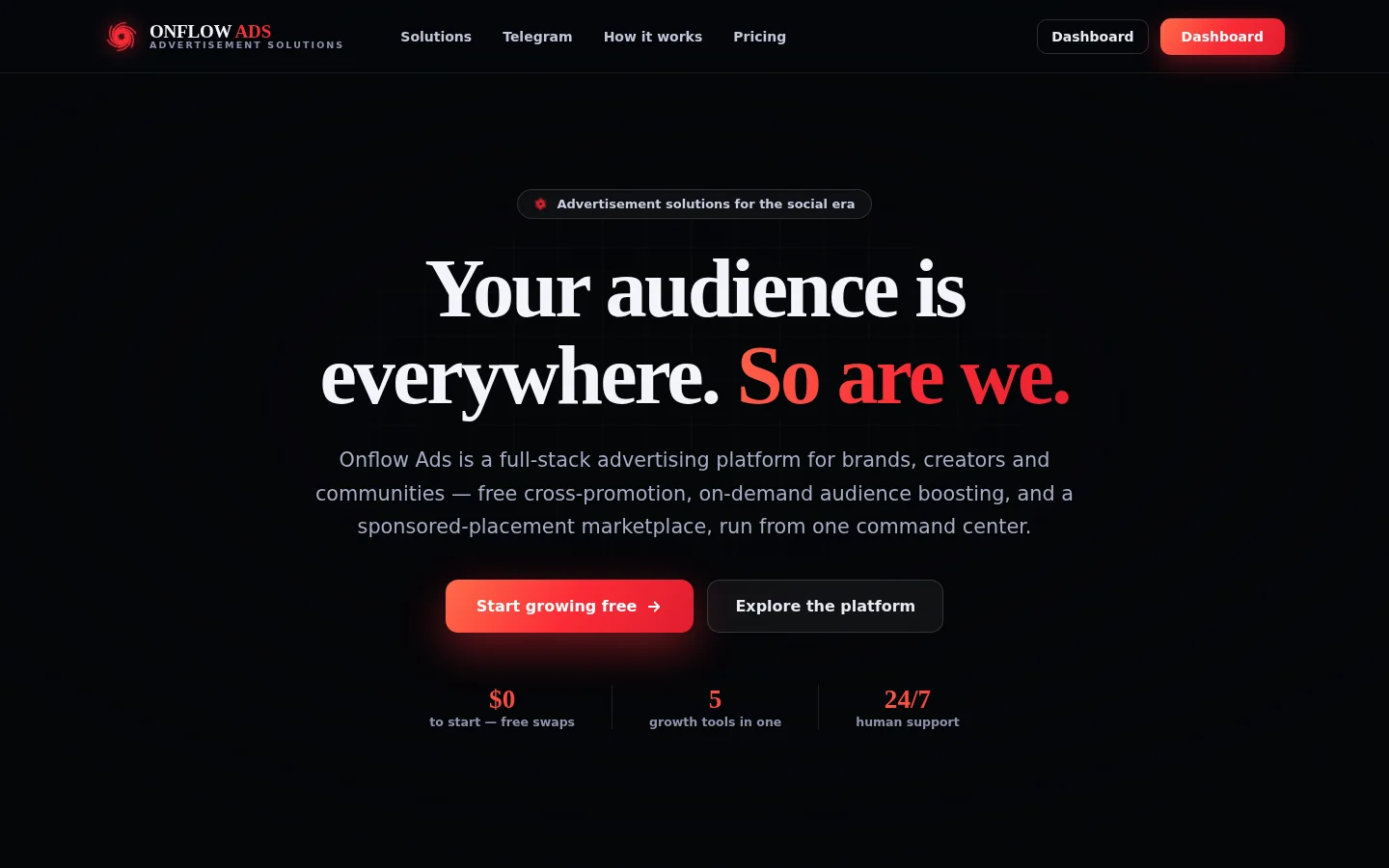
The Onflow Ads home page at onflowads.com. Start growing free is the front door to the sign-up form; the top navigation carries Solutions, Telegram, How it works and Pricing.
What you can do with Onflow Ads
One account gives you access to every growth engine:
| Engine | What it does |
|---|---|
| Cross-Promotion | Swap promo posts with partner channels for free — create a campaign, share a code, and grow together. |
| Boost Metrics | Order followers, views, likes and reach on demand, paid from your wallet, with live delivery tracking. |
| Subscriber Exchange | Host ads in your channels and run your own across the exchange — free and powered by reciprocity. |
| Paid Promotions | Buy or sell sponsored posts across the network as an advertiser or a channel owner. |
| AI Studio | AI-assisted post writing, targeting and campaign copy. |
| Link Tracking | Trackable links so you can measure the traffic your placements deliver. |
Who it is for
- Channel owners and creators who want to grow their audience and earn from their reach.
- Advertisers who want to buy placements in front of real, vetted audiences.
- Anyone doing both — one account can act on either side of the marketplace.
Creating an account is free and no card is required. You can explore the whole dashboard before spending anything.
The 5-minute quickstart
If you just want to get going:
- Go to https://onflowads.com/signup and click Create account after filling in your details.
- Enter the 6-digit code we email you on the Check your email page.
- You land signed in. Open https://onflowads.com/dashboard and click Open dashboard on the Telegram card.
- Click + Add channel to connect your first Telegram channel — and you're in business.
Each step is covered in detail on the following pages.
In this section
This section walks you through everything account-related, from zero to a working dashboard:
Creating Your Account
Sign up for Onflow Ads — the form field by field, the password rules, and the 6-digit code that finishes the job.
Verifying Your Email
How the 6-digit email verification code works — entering it, resending it, and every limit, lockout and error message explained.
Signing In with Email
Sign in with your email and password — the Remember me rules, how long a session lasts, the two-factor step, and every sign-in message explained.
Signing In with Telegram
Sign in without a password through the Onflow Ads Telegram bot — the 6-digit code handshake, its statuses and errors, and the rules that keep it safe.
Resetting Your Password
Recover access to your Onflow Ads account with an emailed 6-digit reset code and a new password.
Two-Factor Authentication
Protect your Onflow Ads account with authenticator-app codes and recovery codes, and learn how 2FA changes sign-in.
Your OFA ID
What the OFA ID is, where to find it on the website and in the Telegram bot, when to share it, and the rules behind it.
Account Settings and Profile
Manage your name, email address, Telegram connection, security and wallet from the Onflow Ads account page.
A Tour of the Dashboard
Where everything lives once you are signed in — the platform launchpad, the Telegram dashboard, and the account menu.
Account FAQ and Troubleshooting
Quick answers to common Onflow Ads account questions — verification codes, lockouts, sign-in issues and more.
Next: Creating your account — the sign-up form, field by field.