Cart and Checkout
The cart is the last stop before your money moves: it collects every placement you've composed, prices them once, and pays the total into escrow. It lives at https://onflowads.com/telegram/dashboard/paid-promotion/cart (the Cart pill in the navigation bar shows a live line count).
The header promise — "One price path — the button is the invoice" — is literal: the amount on the pay button is priced by the same server code that charges you, so the quoted total is the charged total.
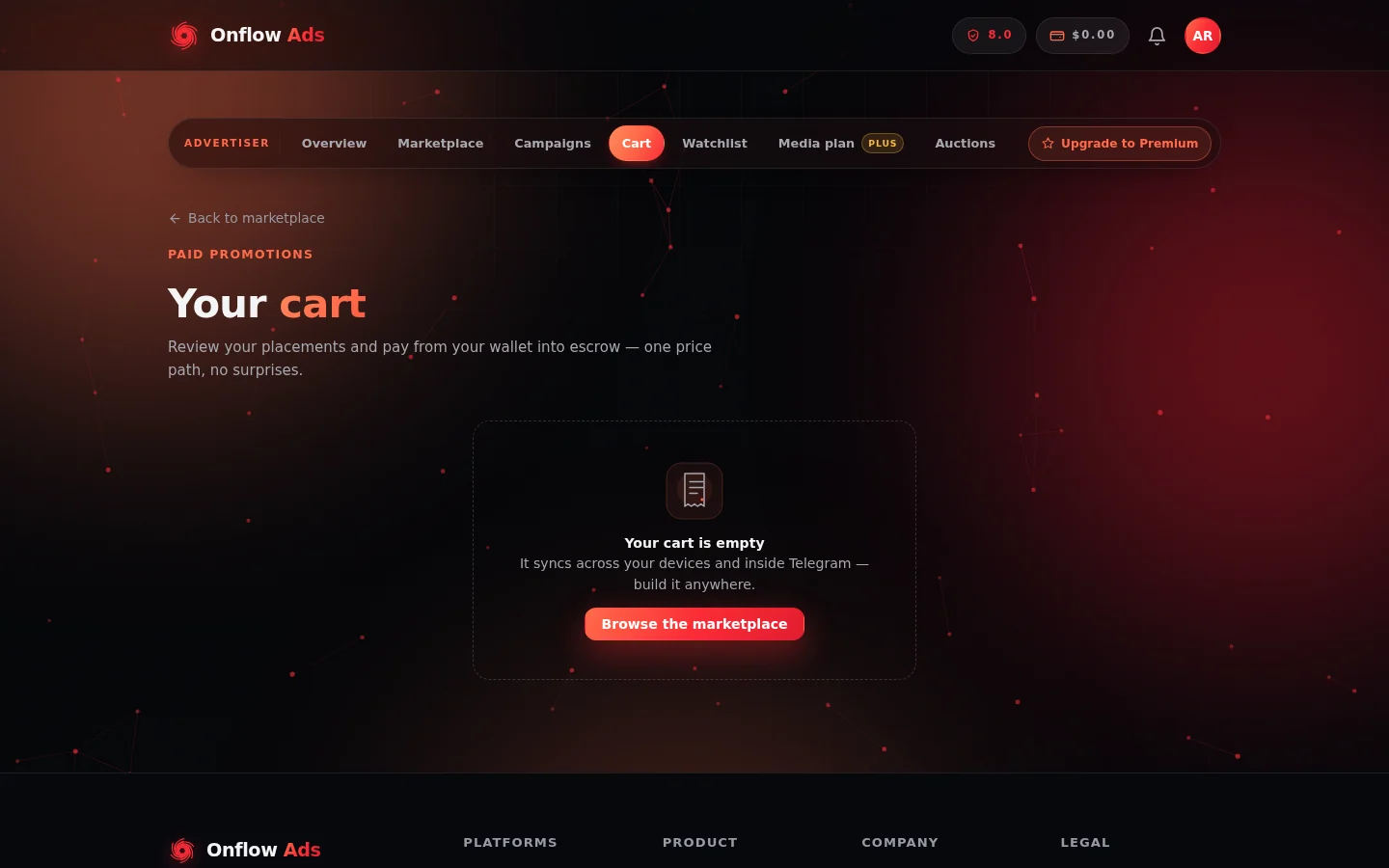
The cart page. Composed placements stack up on the left and the Summary panel prices them on the right; empty, it reminds you the cart follows you between devices.
Cart lines
Each line shows the channel, the format, your scheduled slot, the owner's price, and any owner discount (spotlight or perk) as a green badge with the original price struck through. Remove a line with the ✕.
- Prices are quoted live — a line re-prices only if the owner changes their rate before you pay.
- If a channel in your cart becomes unavailable (paused, removed, or its format withdrawn), the line is removed automatically and you're told.
The cart is stored in your browser, and on Lite plans and above it also syncs to your account — build a basket on your laptop and it's waiting on your phone or inside Telegram's in-app browser. If two devices edit at once, one device's save is refused and it's refreshed with the latest cart, with a notice that the cart was changed on another device.
The Summary panel
The right-hand Summary itemises exactly what you'll pay:
| Row | What it is |
|---|---|
| Owner prices | The sum of each channel's published rate |
| Owner discounts (spotlight · perks) | Discounts the owner is offering — these reduce both your price and their payout, because they're the owner's own offer |
| Volume discount | Your standing discount earned from lifetime wallet funding (see below) |
| Volume + promo | When a promo code is applied, the combined saving |
| Rush premium (with its percentage) | Added when your chosen start time is inside the short-notice window shown at checkout |
| Total | What the pay button will charge |
Below the rows: "Platform discounts come out of our fee — an owner's payout never drops below their price. Final total is confirmed at checkout." That's the standing rule: promo codes, volume discounts and bundle discounts are funded from the platform's own commission, never from the channel owner's earnings.
You'll also see a green shield line: your order is "Covered by the Onflow Buyer Protection Fund — guaranteed-view shortfalls and monitor-verified delivery failures are made good automatically, no dispute needed."
Volume discount
The more you have funded your wallet over its lifetime, the bigger your standing discount on every Paid Promotion checkout. The cart shows the rate you've earned — or the exact amount left to reach the next rung — pulled from the same numbers checkout charges by.
Promo codes
Enter a code in the Promo code field and click Apply. A valid code shows "Code XXXX applied." and reprices the summary (the promo preview comes from the server, so it exactly matches what you'll be charged). An invalid or expired code explains why. Codes can carry expiry dates, usage caps, minimum order sizes, first-order-only and once-per-user rules.
The bundle offer
When your cart holds 2 or more distinct channels, a green offer may appear: "🤝 Book all N channels as one campaign" with the saving and a "Book as a bundle — $X into escrow" button. The discount is platform-funded ("Our treat — every owner is still paid in full") at a fixed server-set rate. Booking via the bundle button books the same lines through the same escrow — just cheaper.
This is your own basket at a discount — different from the pre-packaged curated bundles, where Onflow Ads picks the channels.
Audience overlap check
With 2 or more channels in the cart, an Audience overlap panel offers "🤖 Check overlap". It groups the channels in your basket that likely share an audience (clusters marked "Likely same audience" or "Some overlap", each with a reason), with an AI note on how to diversify — so you don't pay twice to reach the same people. The check uses your daily AI actions.
What your fee covers
A "What your fee covers" panel names the platform services your fee funds for your plan — escrow on every dollar, delivery monitoring, dispute arbitration and its response target, verified metrics, make-goods, insurance on eligible plans, and the buyer-protection fund. If the marketplace is running in single-fee mode, the cart says "List price · no buyer fee added" at the total — you pay exactly the channel's list price.
Before you can pay
The cart pre-checks the same gates checkout enforces, so you see the reason before the charge attempt rather than after:
- Reliability floor. Paid Promotions needs a minimum reliability score to book (the exact floor is shown — e.g. "at least 4/10"). If you're below it, the cart says so and how to fix it: clean, on-time activity.
- Monthly placement allowance. Your plan covers a set number of placements per calendar month (shown as "X of N used"). If the order would exceed it, the cart tells you exactly how many lines to remove or that an upgrade is needed. Cancelled and refunded bookings don't count against the allowance.
- Creative and schedule. If your cart has lines but no composed ad post, the pay attempt links you back to the composer.
Paying
Click "Pay $X into escrow". On success you get a receipt screen: "N placements booked — $X moved into escrow — owners have 24h to accept. Declined or expired bookings refund to your wallet automatically." From there, "Track my campaign →" opens your Campaigns page, or "Keep browsing" returns you to the catalog.
Possible outcomes if the payment can't complete:
| What you see | What it means / what to do |
|---|---|
| "Balance is short by $X — top up from your wallet." | Your wallet can't cover the total. The link takes you to the wallet page. Nothing was charged. |
| "Some channels are no longer available — your cart was refreshed." | A listing went inactive between quoting and paying. The stale lines are dropped; review and pay again. |
| A specific error message | Nothing was charged — fix the stated issue and retry. |
Checkout is idempotent — a double-click or a retried request can never charge you twice for the same order.
After checkout
One checkout becomes one campaign: every channel in the cart gets its own order under a shared campaign, all visible on the Campaigns page. Each owner independently accepts or declines within the accept window; any declined or expired line refunds automatically while the rest of the campaign proceeds.
Next: Orders and campaigns — follow your placements from payment to payout.